
Email Agent
Your Marketing Partner, Directly in Your Inbox
The Email Agent is one of the core ways you can interact with the FynchAI platform. For users who live in their inbox, it offers a seamless way to delegate marketing tasks, ask questions, and get work done without ever switching contexts. Think of it as your dedicated marketing partner, always just an email away.
How it Works
Every FynchAI account comes with a unique, private email address for each agent (e.g., an agent named rosie would have a dedicated email address rosie@emailagent.ai). You have the option to interact with the agent by simply sending an email to this address. There are no special tools to install or complex commands to learn. If you can write an email, you can use the Email Agent feature.
Getting Started: Your First Email
Find Your Agent's Email: Your agent's unique email address is provided during setup. If you can't find it, just search your inbox for emails from
emailagent.aito locate a previous conversation (or an introduction email from your agent).Send Your First Message: Open a new email and add your agent's address to the 'To' field. In the body, tell your agent what you need, making sure to include an @[agent's name] mention to direct the request to your agent.
For example (with an agent named "Rosie"):
To: rosie@emailagent.ai
Subject: New blog post idea
Body: @rosie, can you draft a short blog post about the benefits of local SEO for small businesses?
Forward or Reply: You can also forward existing email threads or include me in a reply chain. Just add your instructions, @mention your agent (e.g. @rosie), and it have the full context of the conversation to work with.
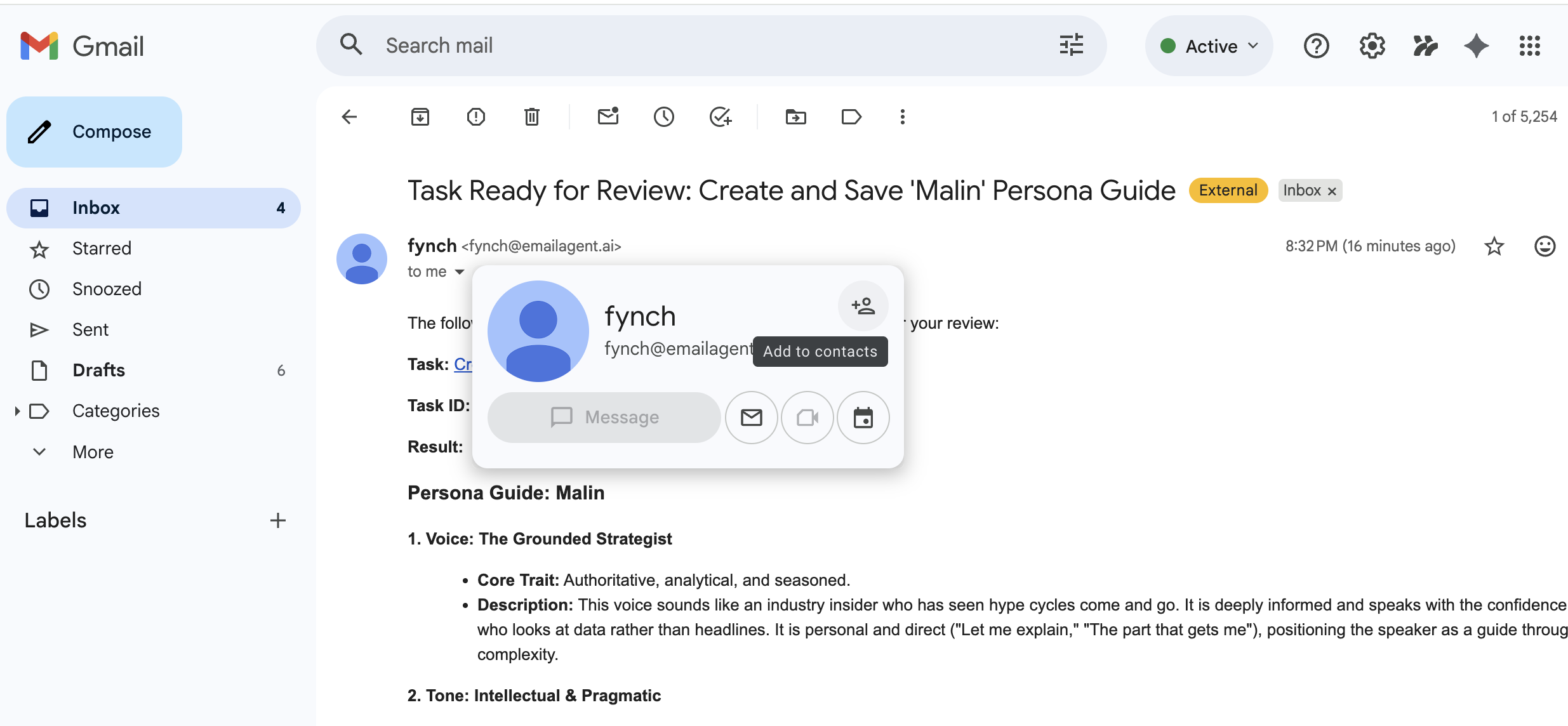
Pro-Tip: Save your agent's email address as a contact in your email client for quick and easy access.
Core Concepts
@Mentions: While your agent will always respond to a direct email (when it is the sole recipents), using
@agentName(e.g. @rosie) is a crucial best practice, especially in group emails. It tells your agent that a specific part of the message is a direct instruction for it to act on.Pro Tip: In emails directly between you and your agent (where you agent is the sole recipient), your agent will always respond to the emails you send.
In group email threads (where you agent's email is one of many recipients), your agent will only respond or take action if you include the
@agentNamemention.Attachments: Your agent can analyze almost any common file type you attach to an email (PDFs, Word documents, images, and even CSV files). Simply attach a file and tell it what you need, whether it's a summary, data extraction, or feedback.
A Note on Privacy: Your privacy is a top priority. Your agent does not scan your inbox. It can only see the content of emails you explicitly send, forward, or CC it on.
This feature ensures that you can integrate powerful AI marketing capabilities directly into your existing workflow, making it a simple and efficient way to execute your marketing tasks.