
Marketing Plans
Building Your Strategic Roadmap
A great idea only becomes a successful reality with a clear plan. Marketing Plans in FynchAI take the guesswork out of your growth by turning your high-level goals into detailed, actionable roadmaps. Instead of staring at a blank page, you collaborate with your agent to build a strategy that fits your specific business needs.
Why a Smart Marketing Plan is Essential
Moving straight to execution without a plan often leads to wasted time and budget. A well-structured plan ensures:
Strategic Alignment: Every task you complete moves you closer to your primary business goals.
Resource Efficiency: Focus your energy on the channels and tactics that will actually move the needle for your specific audience.
Clarity for the Team: Everyone knows exactly what needs to happen, when it needs to happen, and why.
Predictability: Break down large goals into manageable steps that fit your monthly task budget.
How to Build a Plan with Your Agent
Creating a plan is a collaborative process. You provide the objective, and your agent provides the expert structure and tactical recommendations.
1. Define Your Objective: Start by telling your agent what you want to achieve. The more specific you are, the better the plan will be.
Example Prompts via Email or Chat:
"I want to launch a new seasonal menu for my cafe next month. Can you build a 4-week marketing plan?"
"Help me create a plan to increase our email newsletter subscribers by 25% over the next quarter."
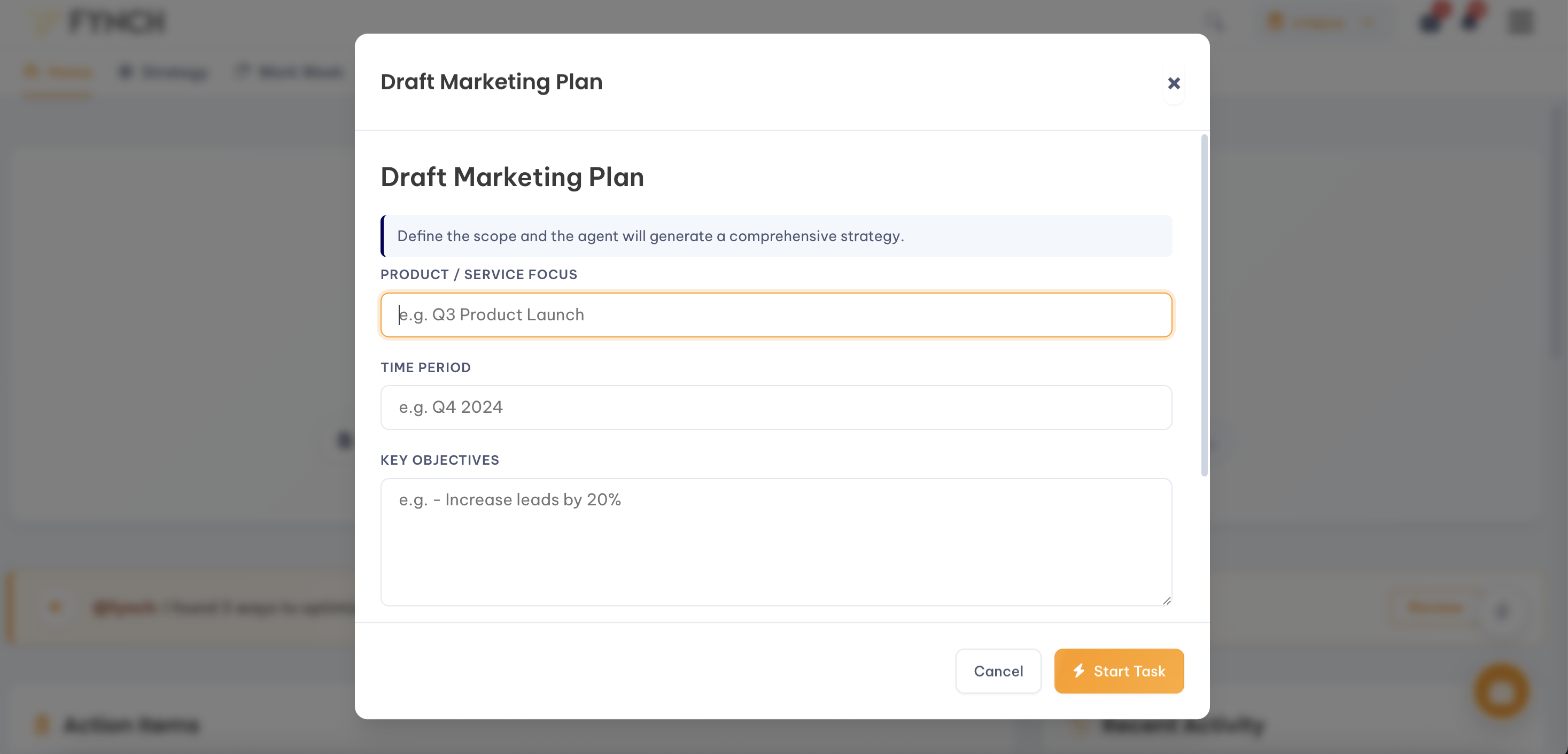
Quick Action "Draft Marketing Plan": Fill out the required fields with a much detail as possible.
2. Review the Draft: Your agent will generate a structured outline that typically includes:
Target Audience: Who you are reaching for this specific goal.
Key Messaging: The main points you need to communicate.
Channel Strategy: Which platforms (Email, Instagram, Google Ads, etc.) you should use.
Tactical Timeline: A week-by-week or phase-by-phase breakdown of actions.
3. Refine and Customize: You can ask your agent to adjust any part of the proposed plan.
"This looks good, but let's focus more on Instagram than Facebook for this campaign."
From Plan to Action
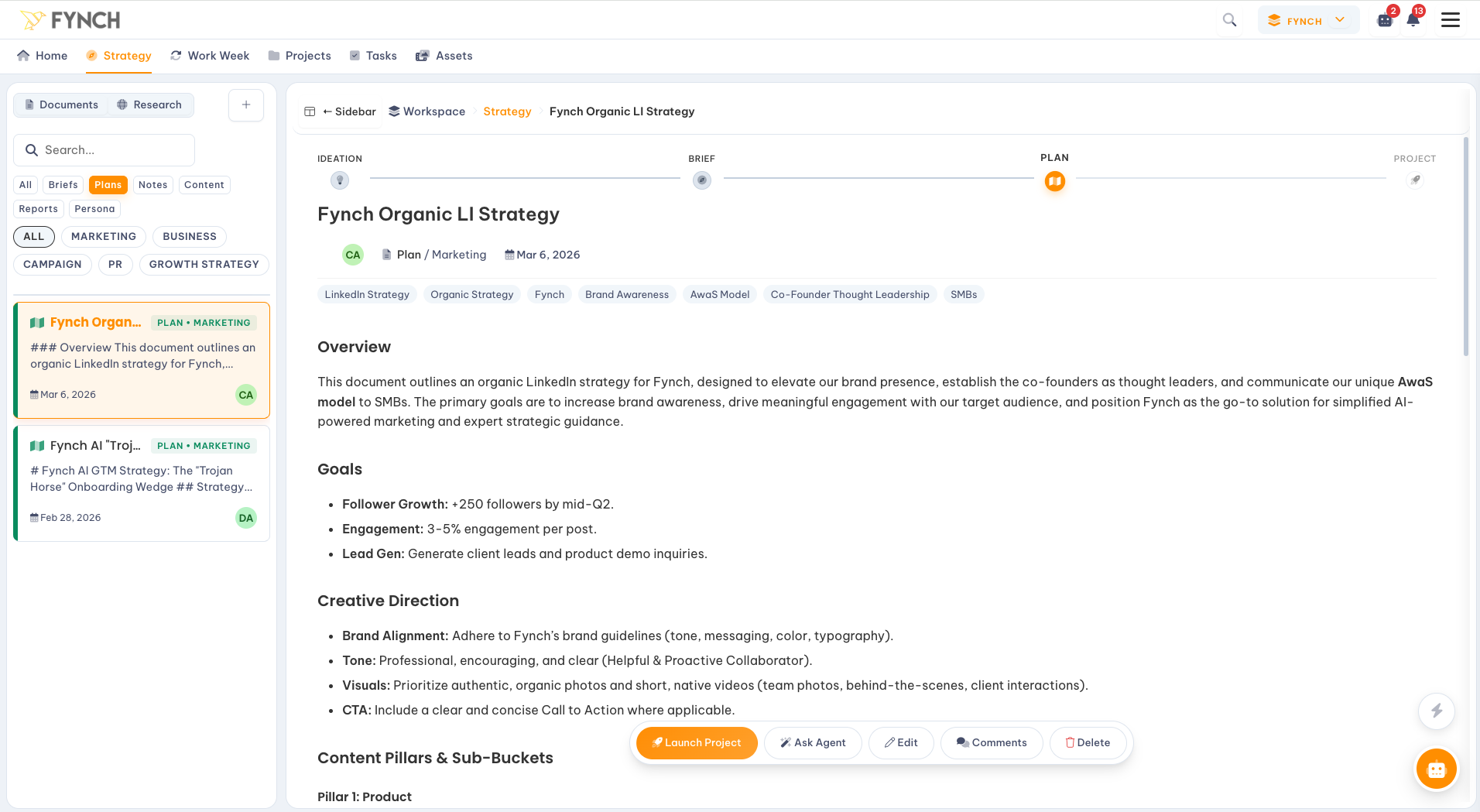
A plan in FynchAI isn't just a document, it's the starting point for execution. Once you approve a Marketing Plan, the next logical step is to immediately turn those strategies into Projects and Tasks to execute. The most effective way to use Projects is to launch them directly to your strategy.
Save for Reference: Your final plan is saved to your Workspace so it’s always easily accessible.
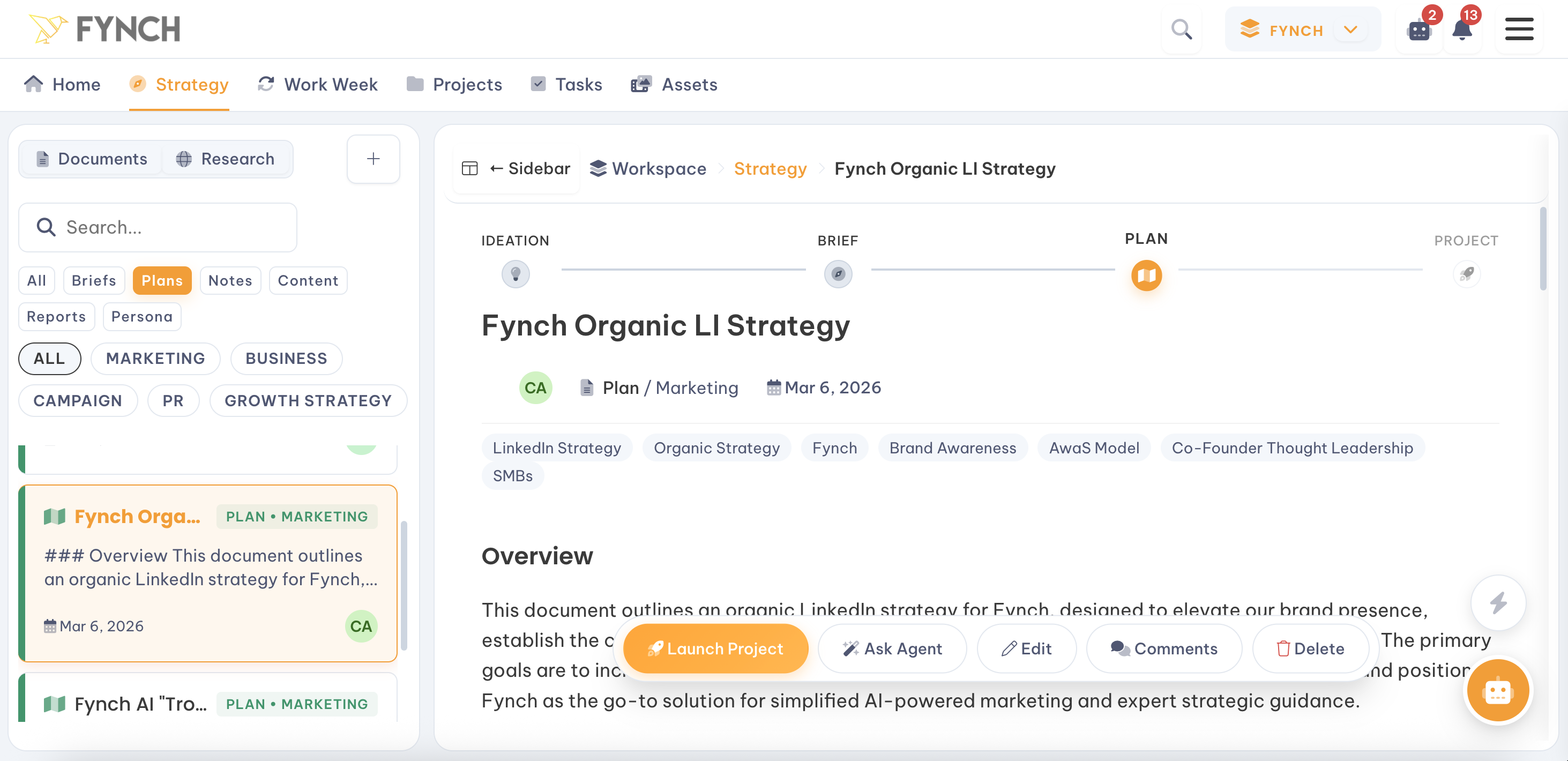
From Strategy to Execution: Your agent can take this high-level plan and automatically generate the necessary project and initial task list. Simply click the "Launch Project" button from within any Plan.
Track Progress: Use the Tasks and Projects views in your Workspace to see exactly how much of your plan has been completed.
Your agent will assign itself the tasks and action items within the plan that it's confident it can perform. Your agent only performs the tasks that you tell it to, and all outputs and results are flagged for your review & approval. This ensures that humans are always in the loop, and you are the ultimate decision maker throughout the planning and execution phases.
Any tasks that the agent cannot perform, it will assign directly to you (or the Workspace user that kicked-off the initial request or Project). You can always re-assign any task owner.